SnapOS 2.7: Carapace and dual boot (Oct 20, 2026)
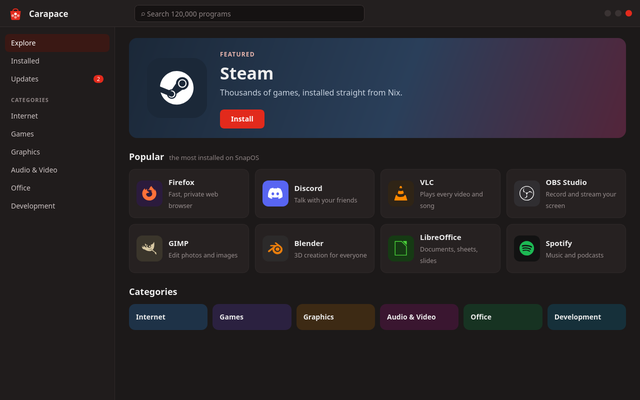
Carapace, the SnapOS store, is here: a featured program, the popular ones, coloured categories and a row of programs for each one on the first page, and a search that goes through all of Nix's roughly 27 thousand programs while you type, Steam, Discord and Spotify included. Installing adds the program to /etc/snapos and builds the next system while Snappy keeps you company, and anything installed can be undone. The installer can now keep your other systems: after the disk it asks whether to erase it or to let you choose the partitions, so SnapOS can sit next to Windows or another distro, and GRUB lists them at start. Thanks to psyclonepman for asking for it. GNOME Software and Flathub leave the default system; Flatpak is a pack you can turn on. Already on SnapOS? Run snapos update. New here? Get the images.
Carapace installed its first programs (Oct 19, 2026)
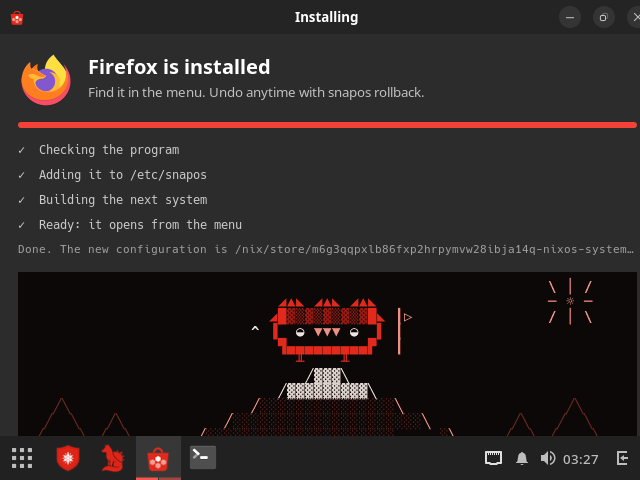
The new store works on a real system. In a test machine, Carapace installed Firefox and VSCodium: you click Install, type your password, and it adds the program to /etc/snapos and builds the next system while Snappy climbs a mountain. A few minutes later the program is in the menu, and it can be removed or undone like any other change. Every program in Nix can be installed now, Steam, Discord and Spotify included. Carapace is still being finished in snapos-test: a bigger first page and a faster search come next.
Finally, GNOME Software is leaving! (Oct 19, 2026)
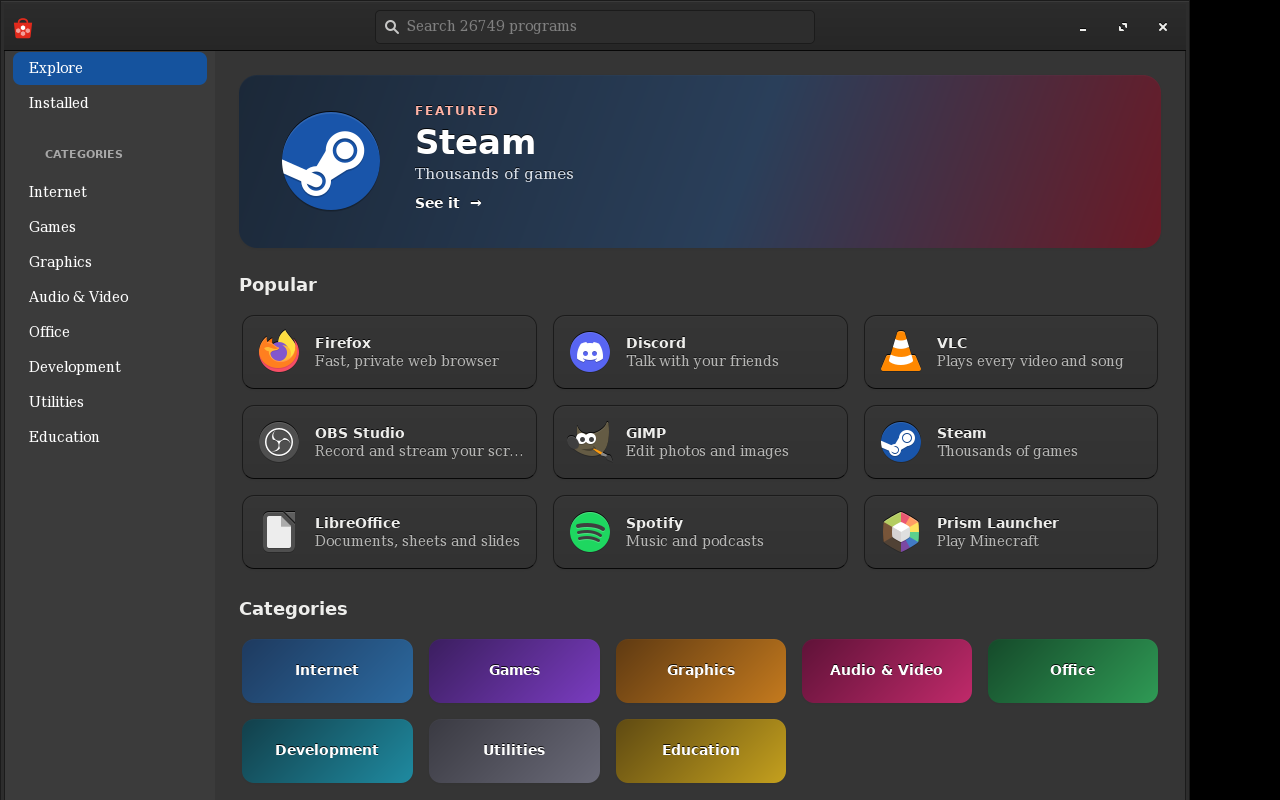
SnapOS is getting its own store: Carapace, named after the turtle's shell. GNOME Software only shows Flatpak apps on SnapOS, so it never really fit. With it, Flatpak and Flathub leave the default system too: they become a pack you can turn on (snapos.packs.flatpak.enable = true;) if you need an app that only Flathub has. Carapace shows the programs from Nix instead, the same ones snapos add installs: popular apps with icons and categories up front, and every one of the Nix packages in the search. Installing adds the program to /etc/snapos and builds the next system, so anything you install can be removed or undone with snapos rollback. While it downloads, Snappy keeps you company: he picks flowers, climbs a mountain, swims, sits by a campfire, goes fishing or flies a kite. It is being built now; this is a preview.
SnapOS 2.6 is here (Oct 18, 2026)
Two new images, with no version in the name. The universal image installs the full SnapOS and, with the internet up, downloads the newest version while it installs. The manual image is a terminal: you build your own system the NixOS way, following the handbook, and turn on the SnapOS packs you want. The NixOS tools now have SnapOS names (snapos-install, snapos-rebuild...) and a system lives in /etc/snapos. Already on SnapOS? Run snapos update. New here? Get the images.