Every change is a line in a file in /etc/snapos, and every change can be undone. Each task shows the command and, if you added the commands pack, the shorter snapos one.
Edit a file, then apply it:
| Task | Command | With the commands pack |
|---|---|---|
| edit the system | sudo nano /etc/snapos/configuration.nix | snapos config |
| see what would change | snapos-rebuild build | snapos diff |
| apply now | sudo snapos-rebuild switch | snapos rebuild |
| apply at the next start | sudo snapos-rebuild boot | snapos rebuild --next-boot |
| Task | Command | With the commands pack |
|---|---|---|
| search | nix search nixpkgs vlc | snapos find vlc |
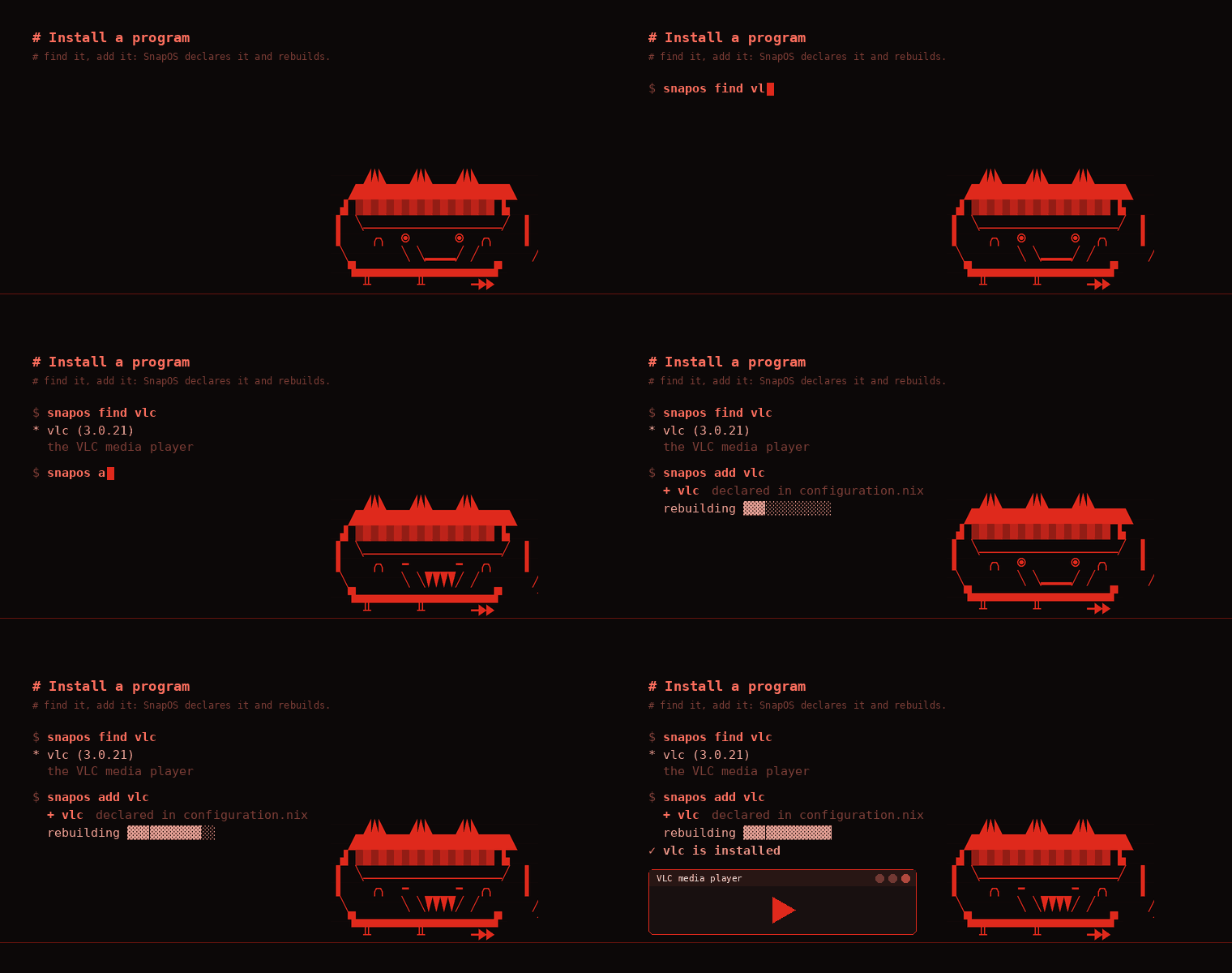
| install | add vlc to the list, rebuild | snapos add vlc |
| remove | remove it from the list, rebuild | snapos remove vlc |
| use once, without installing | nix shell nixpkgs#vlc | snapos shell vlc |
Everything comes from the inputs in flake.lock. To move them all forward and build the result for the next start:
cd /etc/snapos
sudo nix flake update
sudo snapos-rebuild boot
With the updater pack, SnapOS tells you at login when there is a new SnapOS release and snapos update moves only the snapos input, with the guard that undoes a failed start.
Each rebuild keeps the previous system as a generation, listed in the boot menu.
| Task | Command | With the commands pack |
|---|---|---|
| list them | snapos-rebuild list-generations | snapos generations |
| go back | sudo snapos-rebuild switch --rollback | snapos rollback |
| free space | sudo nix-collect-garbage --delete-older-than 14d | snapos gc |
snapguard scan ~/Downloads   # scan a folder
snapguard status             # engine and real-time protection
snap-deb program.deb # scanned, then installed in the Debian layerNo, on purpose. The Debian layer is a real Debian living next to your system, not a sandbox: a program in it reads and writes your files, uses the screen, sound and devices, and talks to other programs like any native program. That is what lets .deb programs such as Steam work without workarounds.
What this means:
.deb files you would trust on a Debian or Ubuntu computer. Being in the layer does not make an untrusted program safe..deb before it is installed and puts a known threat in quarantine. It is an extra check, not a wall around the program.snap-deb remove NAME) takes it out of the layer again.sudo snapos-rebuild switch --show-trace # the full error
snapos doctor # graphics, boot, network and antivirus (commands pack)
snapos log # the output of the last rebuildIf the system does not start, pick an older generation in the boot menu, then fix the file and rebuild.